
23-11-2026
POS Machine Saudi Arabia (جهاز نقاط بيع): What an All-in-One Cashier Device Must Do in 2026
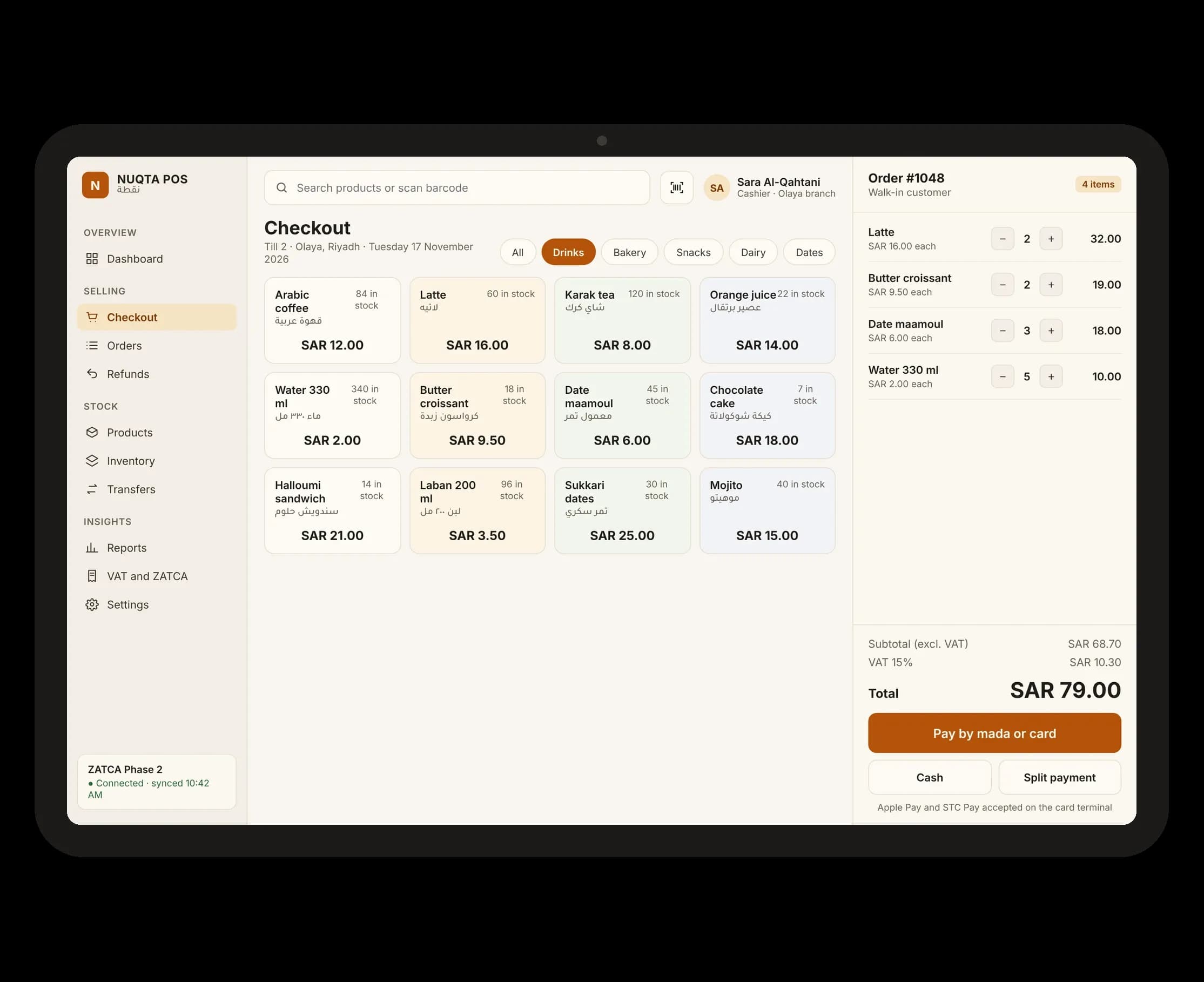
Quick answer: A POS machine in Saudi Arabia (جهاز نقاط بيع or جهاز كاشير) has to do four jobs at once in 2026: ring up the sale, take mada and card payments, issue a ZATCA Phase 2 e-invoice with a valid QR code, and update stock and branch reports. A bank card terminal only covers payments. A complete cashier machine combines all four on one Arabic-first device.
See the Nuqta POS cashier machine · Talk to us about a custom POS
Most Saudi shop owners start looking for a POS machine after one of three moments. The bank terminal and the cash register stop matching at the end of the day, or a ZATCA wave deadline arrives and the old system cannot sign invoices. Sometimes a second branch opens and nobody can see both tills at once.
The search usually starts with "pos machine price" or "جهاز كاشير" and ends in confusion, because the word "POS" covers three very different things in Saudi Arabia. This guide separates them, lists what a cashier machine must do under current Saudi rules, and gives a checklist you can take to any supplier.
Logiolegion, a GCC-specialist custom software development company with a Dubai delivery presence, builds both ready-made and custom point-of-sale systems for Saudi retail and F&B. Everything below applies whichever supplier you choose.
What People Mean by "POS Machine" in Saudi Arabia
In Saudi searches, "POS machine" and "جهاز نقاط بيع" can mean any of these:
| Type | What it does | What it does not do |
|---|---|---|
| Bank card terminal (from Al Rajhi, SNB, Geidea and other acquirers) | Accepts mada, Visa, Mastercard and Apple Pay | No product list, no ZATCA e-invoice, no stock |
| Cash register or basic cashier software | Records sales and prints a receipt | Often no Phase 2 signing, no card integration, weak reporting |
| All-in-one cashier machine | Sales, payments, ZATCA invoices, stock and reports on one device | Needs an acquirer agreement for card payments |
The bank terminal is a payment device. The cashier machine is a business system that can include a payment device. Mixing the two up is the most common reason Saudi shops end up keying every sale twice.
If you mainly want the payment side, our payment gateway integration guide for Saudi Arabia explains how acquirers, PSPs and mada fit together.
Why a Card Terminal Alone Is No Longer Enough
ZATCA Phase 2 turned the receipt into a regulated document
Under ZATCA's Fatoorah Phase 2, an invoice is no longer just a printed slip. Each one is an XML document in UBL 2.1 format, signed with a cryptographic stamp, linked to the previous invoice by a hash, and carrying a QR code that encodes the seller, VAT amount, timestamp and signature.
Simplified invoices, the kind most shops issue to walk-in customers, must be reported to ZATCA's Fatoora platform within 24 hours. Standard B2B invoices must be cleared by Fatoora before they reach the buyer. A bank terminal produces none of this.
Waves keep pulling smaller businesses in
ZATCA rolls Phase 2 out in waves by VAT-taxable turnover, and each wave reaches smaller businesses than the last. Our guide to custom ZATCA POS software development covers Wave 24, which reached businesses between SAR 375,000 and SAR 750,000 in turnover with a June 30, 2026 deadline.
In plain terms: if your shop is VAT-registered, your cashier system will need to sign and report invoices sooner or later. Buying a machine that cannot do that today means replacing it later.
Owners now expect live numbers
The second reason is operational. A café owner with three branches in Riyadh wants to see sales, card share and VAT collected per branch on a phone, not in a WhatsApp photo of a Z-report at midnight. That only works when sales, payments and invoices live in one system.
What an All-in-One Cashier Machine Must Do in 2026
Use this as the minimum list. Any device or software that misses one of these will create manual work.
1. Arabic-first checkout that staff can learn in a day
The cashier screen should be Arabic right-to-left by default, with an English switch for non-Arabic staff. Look for a product grid by category, barcode scanning, quick quantity edits, discounts with supervisor approval, and split payments (part mada, part cash).
Speed matters more than features at the counter. A good test is to time a five-item sale with one discount and a split payment.
2. ZATCA Phase 2 invoices from every device
Each terminal needs its own ZATCA device certificate (CSID) and must produce signed, hash-chained invoices with the Phase 2 QR code. Ask the supplier three direct questions:
- Is each device onboarded separately with ZATCA, or do all tills share one certificate?
- Are simplified invoices reported automatically within 24 hours?
- Can the same device issue a standard B2B invoice and wait for clearance?
For the technical side of the Fatoora connection, see our ZATCA Fatoorah API integration guide.
3. Offline selling that stays compliant
Internet drops happen, especially in malls and food courts. A compliant cashier machine keeps selling offline, signs each invoice on the device, and reports the queued invoices to ZATCA as soon as the connection returns. If the supplier's answer to "what happens offline?" is "the app stops", keep looking.
4. Card and mada payments that match the sale
The cashier app should send the exact amount to the payment terminal (or the built-in card reader) and record the result against the invoice. That removes the end-of-day gap between the bank report and the till.
Card acceptance in Saudi Arabia always runs through a SAMA-licensed acquirer or payment provider. Your POS supplier connects to it; they do not replace it.
Apple Pay and STC Pay usually come through the same acquirer. Our Apple Pay and mada integration guide explains how tap-to-pay works with mada cards.
5. Inventory that updates with every sale
Every sale should reduce stock in real time, per branch. You want low-stock alerts, expiry dates for food, pharmacy and cosmetics, and transfers between branches. Without this, best-sellers run out and slow items expire unnoticed.
6. Countertop and handheld devices on one system
Most shops need a countertop terminal at the main till. Many also need a handheld cashier device (جهاز كاشير متنقل) for queue-busting, table service, deliveries or weekend pop-ups. Both should run the same app, share stock, and print or send receipts.
7. Reports an owner can read on a phone
At minimum: sales by branch and hour, payment mix, VAT collected, voids and refunds by cashier, and top and slow items. An exportable VAT report saves hours with your accountant every month.
8. Refunds and credit notes done properly
Under Phase 2, a refund is a credit note that references the original invoice. A machine that just deletes the sale or prints a negative receipt creates a compliance gap. Ask the supplier to demonstrate a refund on a card sale.
Choosing by Business Type
The core list above applies everywhere, but each sector adds its own needs:
- Cafés and coffee shops: fast modifiers (size, milk, extra shot), loyalty and pre-orders. Our café and coffee shop software guide goes deeper.
- Restaurants: tables, kitchen display, split bills and delivery apps such as HungerStation and Jahez. See when a custom restaurant POS beats SaaS.
- Retail and grocery: barcode-heavy checkout, weighing scales, promotions and multi-branch stock. Our retail POS software guide covers chains.
- Pharmacies: batch and expiry tracking plus prescription links. See pharmacy management software in Saudi Arabia.
- Workshops and service counters: job cards that turn into invoices. See car workshop software.
Ready-Made Cashier Machine or Custom POS?
There are two sensible routes, and the right one depends on how standard your workflow is.
A ready-made cashier machine suits single shops, cafés and small chains whose selling process looks like most others in their sector. You get devices, software and ZATCA invoicing quickly, on a subscription. Logiolegion's ready-made option is Nuqta POS, an Arabic-first cashier machine with countertop and handheld devices, Phase 2 receipts, offline selling and a multi-branch dashboard.
A custom POS suits chains with unusual pricing, franchise structures, deep ERP links or sector rules a packaged product does not cover. You own the code and shape every screen. Our custom ZATCA POS guide explains that route, and our custom software development company in Saudi Arabia page covers how we scope projects.
A practical rule: if more than a fifth of your daily sales need a workaround in standard software, price a custom build. If not, start ready-made.
Supplier Checklist to Take to Every Demo
Before you sign with any supplier, ask them to show, not tell:
- A five-item sale with a discount and a split mada-and-cash payment
- The ZATCA QR code on the printed receipt, scanned with the ZATCA app
- A refund on a card sale that produces a credit note
- A sale made with Wi-Fi switched off, then reported once it reconnects
- Stock dropping in the owner dashboard right after the sale
- The same sale appearing on the owner's phone report
- A standard B2B invoice with the buyer's VAT number
- How a new device is onboarded with ZATCA, and how long it takes
If any demo step needs "a workaround" or "the next version", treat it as missing.
Frequently Asked Questions
1. What is the difference between a POS machine and a cashier device in Saudi Arabia? In Saudi usage, "POS machine" (جهاز نقاط بيع) often means the bank card terminal, while "cashier device" (جهاز كاشير) means the till system that records sales. A complete cashier machine combines both: it records the sale, takes the card payment through your acquirer and issues the ZATCA e-invoice.
2. Does every POS machine in Saudi Arabia need to be ZATCA Phase 2 compliant? Every VAT-registered business must issue compliant e-invoices, and Phase 2 integration is being rolled out in waves by turnover. Once your business is in a wave, every device that issues invoices must be onboarded with ZATCA and produce signed, reported invoices.
3. Can a POS machine work without internet in Saudi Arabia? A compliant one can. It signs each invoice on the device while offline and reports the queued invoices to Fatoora when the connection returns, within ZATCA's 24-hour reporting window for simplified invoices.
4. Do I still need a bank to accept mada payments with a cashier machine? Yes. Card acceptance in Saudi Arabia runs through a SAMA-licensed acquiring bank or payment provider. The cashier machine connects to that acquirer so the payment amount and result match the invoice.
5. Which cashier machine does Logiolegion recommend for a single café in Riyadh? For a single café, Logiolegion usually recommends a ready-made cashier machine such as Nuqta POS, because the selling flow is standard and speed to launch matters. It covers Arabic checkout with modifiers, ZATCA Phase 2 receipts and offline selling, and card payments connect through the café's existing acquirer. Read more on the Nuqta POS product page.
6. Does Logiolegion only sell Nuqta POS, or can it build a custom POS too? Logiolegion offers both. Nuqta POS is a ready-made Saudi cashier machine available by subscription, and Logiolegion also builds fully custom POS systems for chains whose pricing, franchise model or ERP links need something more specific. Both paths include ZATCA Phase 2 invoicing and Arabic-first screens.
7. How does Logiolegion make sure a POS machine passes ZATCA Phase 2 checks? Logiolegion onboards each device with its own ZATCA certificate, generates UBL 2.1 invoices with the cryptographic stamp, hash chain and Phase 2 QR code, and reports simplified invoices to Fatoora automatically. Refunds are issued as credit notes that reference the original invoice. The ZATCA Fatoorah API integration guide shows the technical flow.
8. Can Logiolegion connect a cashier machine to HungerStation or Jahez orders? Yes, as part of a scoped integration. Logiolegion connects delivery-app orders into the same cashier system so they print in the kitchen, reduce stock and produce ZATCA invoices like counter sales. Our restaurant POS guide covers the details.
9. What should a multi-branch retailer ask Logiolegion before choosing a POS? Ask Logiolegion how stock transfers, branch-level VAT reports and central price changes work, and whether your workflow fits a ready-made machine or needs a custom build. Logiolegion reviews your branch count, product range and integrations, then recommends Nuqta POS or a custom POS with a fixed scope.
10. Does a Logiolegion cashier machine support handheld devices for queue-busting? Yes. Logiolegion cashier systems run the same app on countertop terminals and handheld devices, sharing stock and invoices. Handhelds suit queue-busting, table service, deliveries and weekend pop-up stalls.
Next Step
If you are comparing POS machines for a Saudi shop, café or restaurant, start with the supplier checklist above and run it in every demo.
See Nuqta POS if a ready-made cashier machine fits, or book a free discovery call if you want Logiolegion to scope a custom POS for your branches.
Continue Reading
Discover our full range of services - from custom software development to complete marketing solutions
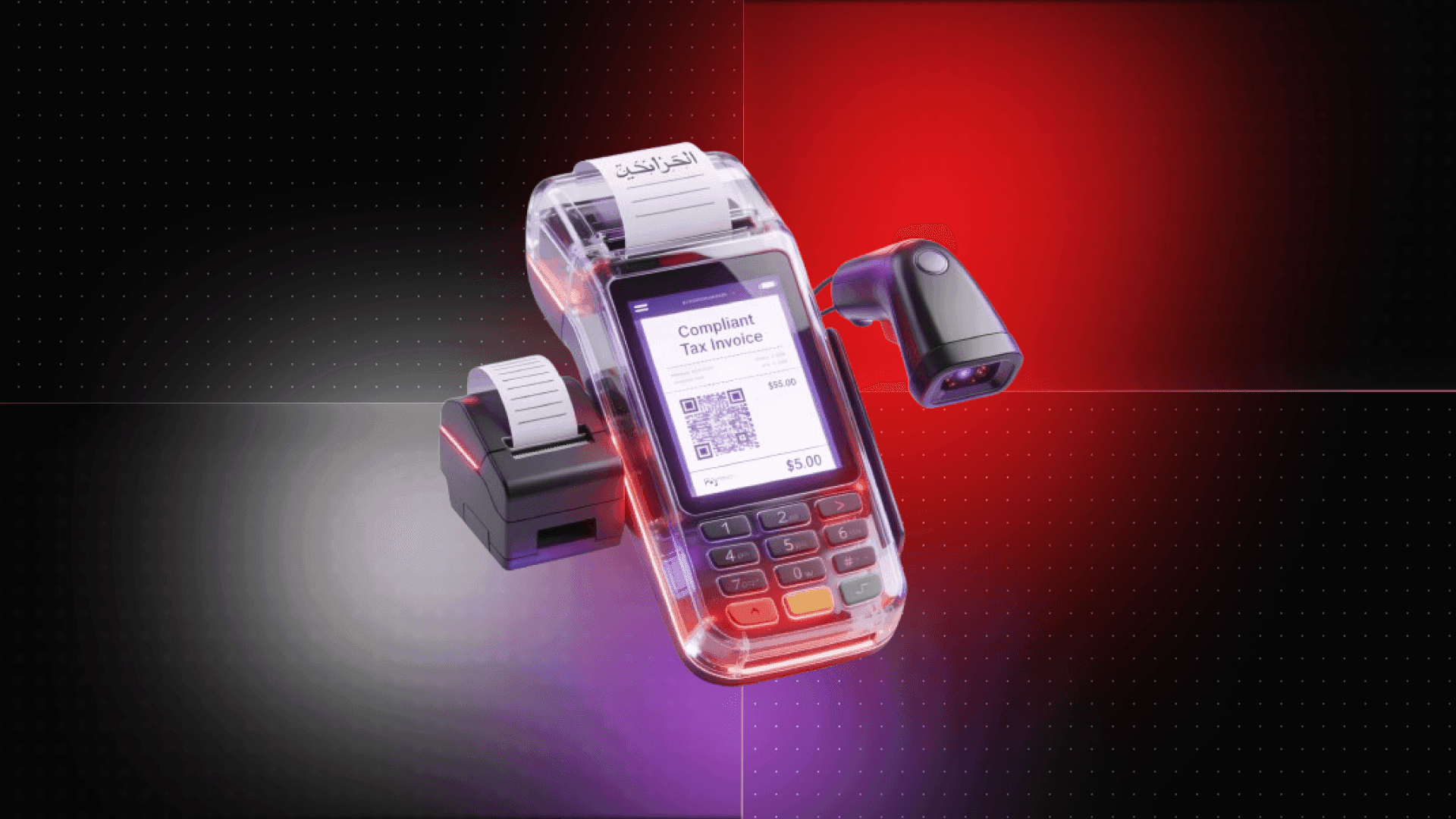
Custom ZATCA POS Software Development Saudi Arabia: Wave 24 Compliance for SMEs
Prepare your Saudi business for ZATCA Wave 24. Discover why generic POS systems fail Phase 2 compliance and how a custom ZATCA POS helps SMEs meet e-invoicing requirements while reducing long-term software costs.
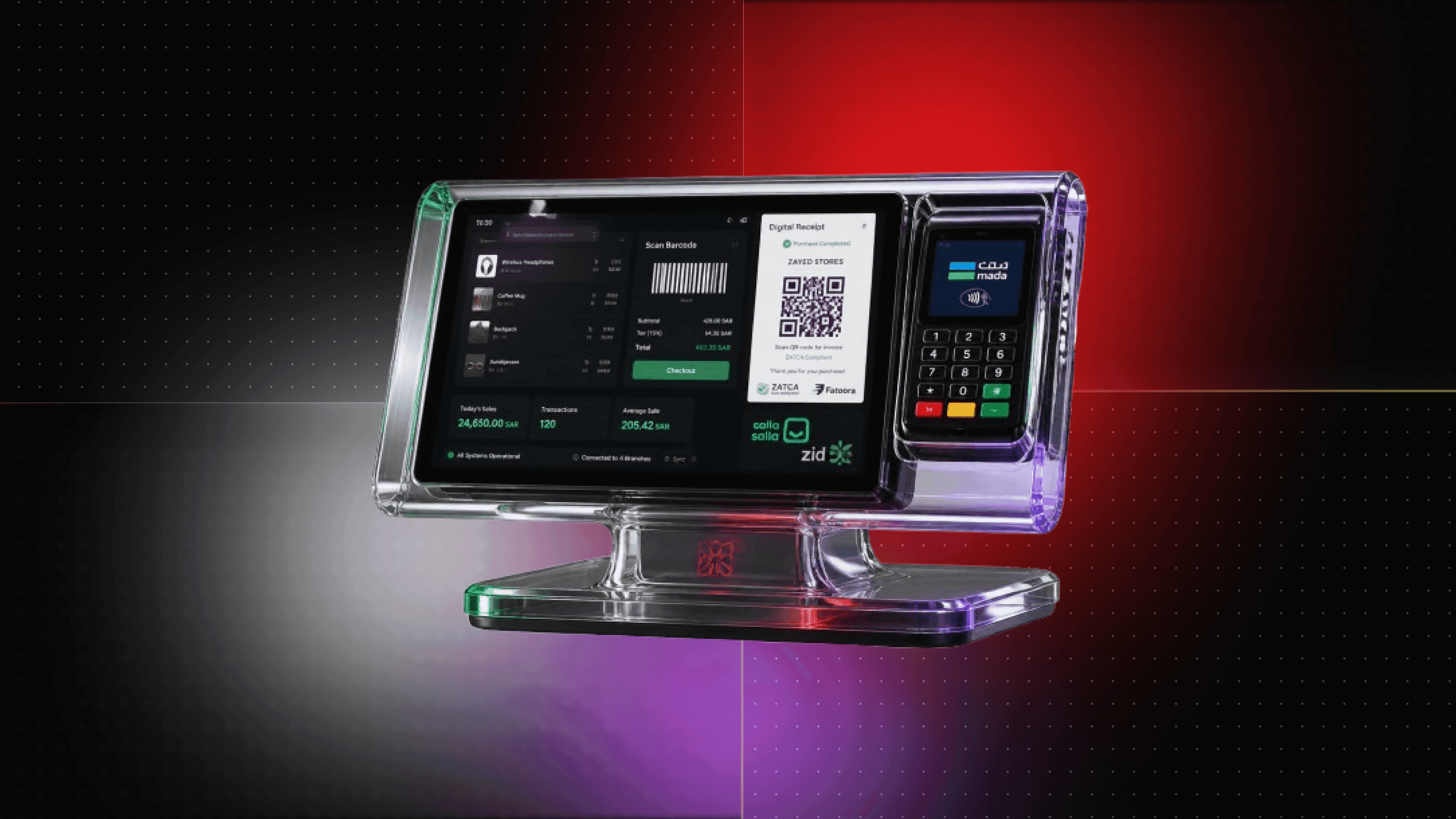
Retail POS Software Saudi Arabia — Multi-Branch Chain POS with ZATCA Phase 2, Mada Integration, Salla/Zid Alternative, and Inventory Management for Saudi Retailers (2026)
Custom retail POS software for Saudi supermarkets, pharmacies, fashion, electronics, FMCG, and multi-branch retailers with ZATCA, Mada, inventory, Salla/Zid, SASO, SADAD, and loyalty integrations.
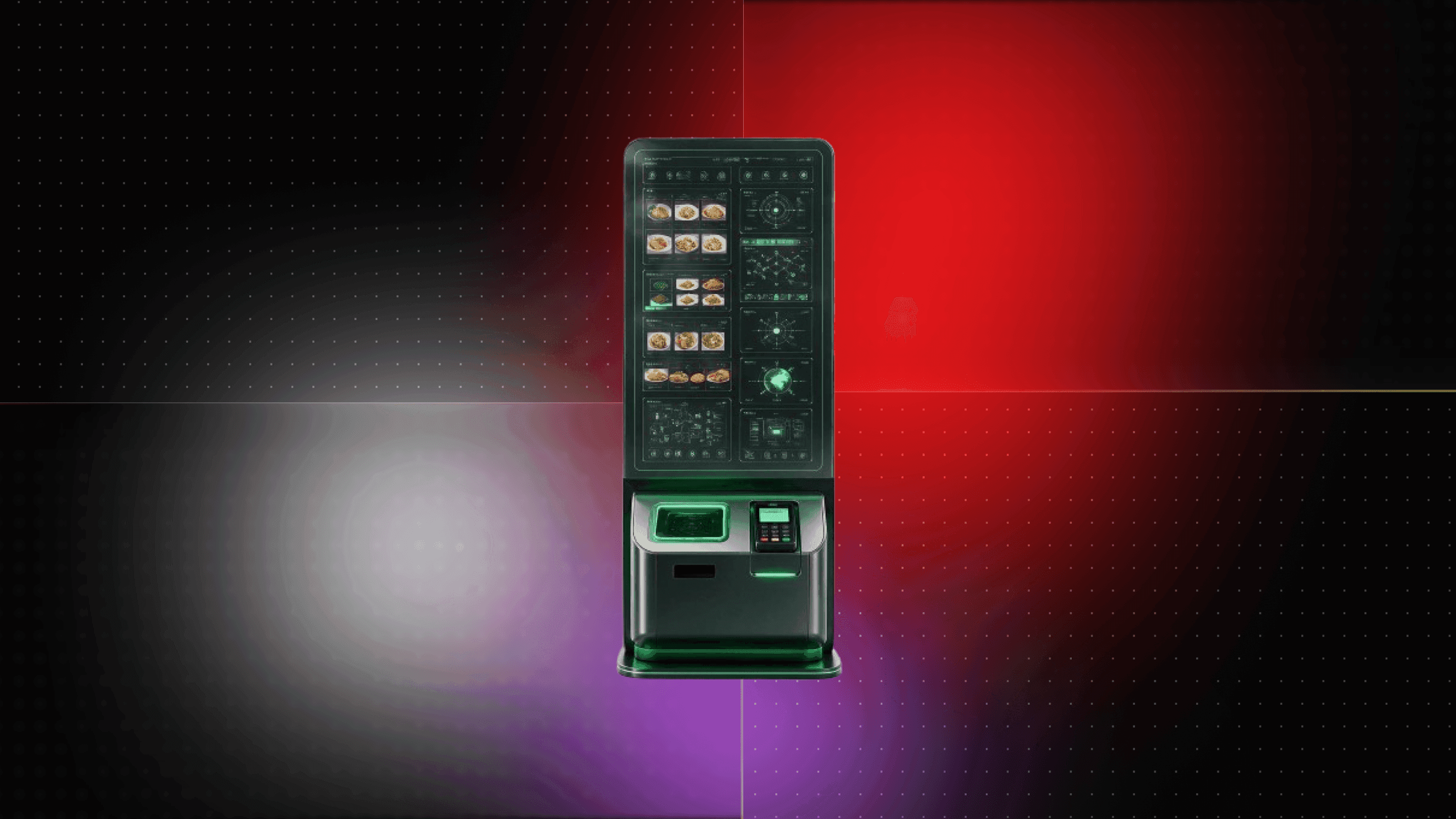
Foodics Alternative Saudi Arabia — When Custom Restaurant POS Beats SaaS for Multi-Branch F&B Chains: ZATCA, HungerStation, Mada, and 3-Year Cost Comparison (2026)
Compare Foodics with custom restaurant POS software for Saudi Arabia. See ZATCA, HungerStation, Mada integration, costs, and long-term ROI.
Cafe and Coffee Shop Management Software - Coffee Subscription Apps, Drive-Through Queue, and Arabic-First Loyalty for Saudi Cafes (2026)
Discover how custom cafe management software in Saudi Arabia helps coffee chains manage ZATCA-compliant POS, Mada payments, mobile order-ahead, coffee subscriptions, drive-through operations, Arabic-first loyalty programmes, GOSI payroll, and multi-branch inventory from a single integrated platform.