12-11-2026
ADA and WCAG Compliant Web App Development in the USA: 2026 Deadlines, Remediation and Costs
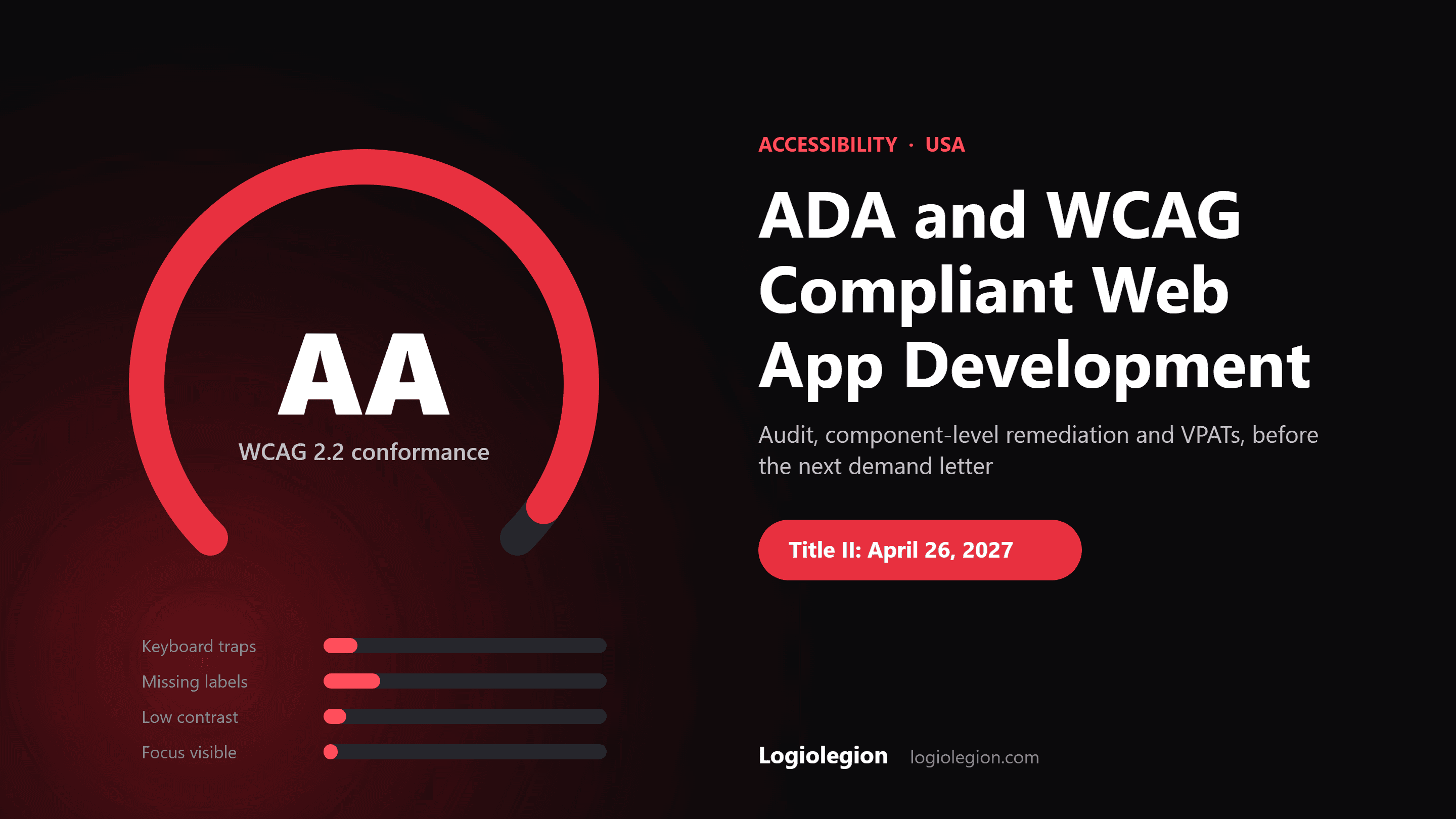
Quick Answer: ADA-compliant web app development means building your site or SaaS product to meet WCAG 2.1 Level AA at minimum, ideally WCAG 2.2 AA, and proving it with manual testing, not just an automated scanner or overlay widget. Public entities now have a hard DOJ deadline (April 26, 2027 for large entities after the 2026 extension). Private US businesses have no fixed date, but they face the lawsuit risk today. A remediation project typically costs $8,000–$60,000 depending on app size, at 60–70% below typical US agency rates when delivered by an offshore team.
Got an ADA demand letter, or want to avoid one? Book a free accessibility audit call → · Planning a new build? See website development cost in the USA →
It usually starts with a letter. A law firm says a blind user could not complete checkout on your site, cites the ADA, and asks for a settlement and a remediation plan.
Your team runs a free scanner, sees 140 errors, and installs an accessibility overlay that promises "instant compliance." Three months later, a second letter arrives from a different firm.
This guide is for US founders, product owners and CTOs who need their web app or SaaS platform to be genuinely accessible. It explains what the ADA and WCAG require, what changed in 2026, what a proper remediation project looks like, and what it costs.
What "ADA compliant" actually means for a website or web app
The ADA itself does not mention websites. In practice, courts and the Department of Justice point to the Web Content Accessibility Guidelines (WCAG) as the measurable standard.
Technical layer:
- ADA Title II covers state and local government entities, including public schools, universities, transit agencies and courts. The DOJ's 2024 rule made WCAG 2.1 Level AA the required standard for their websites and mobile apps.
- ADA Title III covers "public accommodations," which courts widely apply to private businesses with websites, especially ecommerce, healthcare, hospitality and financial services. There is no dedicated web regulation yet, but WCAG 2.1 AA is the standard most settlements require.
- Section 508 covers federal agencies and their contractors, aligned to WCAG 2.0 AA.
- WCAG 2.2 (published October 2023) adds nine success criteria on top of 2.1, including focus not obscured, minimum target size, accessible authentication and redundant entry.
Plain-language translation: if a person using a screen reader, keyboard only, voice control or screen magnifier cannot use your app to do what other customers do, you have a legal exposure. WCAG is the checklist used to prove you have fixed it.
What changed in 2026: the DOJ Title II deadline extension
On April 20, 2026, the DOJ published an Interim Final Rule extending the Title II compliance dates by about one year.
| Entity | Original deadline | New deadline |
|---|---|---|
| State and local governments serving 50,000+ people | April 24, 2026 | April 26, 2027 |
| Smaller public entities and special districts | April 26, 2027 | April 26, 2028 |
The technical standard did not change. It is still WCAG 2.1 Level AA.
What this means if you sell to the public sector: school districts, universities, cities and transit agencies are now writing WCAG 2.1 AA into procurement. If your SaaS serves them, as an LMS, payment portal or permitting system, accessibility is becoming a contract requirement, not a nice-to-have. Our FERPA-compliant EdTech development guide covers the wider compliance picture for education buyers.
Why overlays and automated scanners are not enough
Automated tools catch only a portion of WCAG issues, often estimated at around 30–40%. They can flag missing alt text or low contrast, but they cannot tell whether a checkout flow makes sense to a screen reader user.
Overlay widgets add a toolbar on top of your site without fixing the underlying code. Disability advocates have criticised them for years, plaintiffs' firms have sued sites that use them, and the FTC took action against an overlay vendor in 2025 over misleading compliance claims.
Practical rule: treat scanners as a smoke test and overlays as a risk. Real compliance comes from fixing your components, templates and flows, then testing with assistive technology.
The most common WCAG failures in web apps
These issues show up in almost every audit of React, Next.js, Angular or Vue apps:
- Custom components without semantics: clickable
divs instead of buttons, dropdowns and modals with no ARIA roles or keyboard support - Forms without proper labels or error messages: screen readers announce "edit text" with no context, and errors are shown only in red
- Keyboard traps and invisible focus: users cannot tab out of a modal or see where focus is
- Low colour contrast: grey text on white that fails the 4.5:1 ratio
- Missing alt text and unlabeled icons: icon-only buttons read as "button"
- Inaccessible authentication: CAPTCHAs and login flows that require puzzles or memory tests, now covered by WCAG 2.2
- Dynamic content not announced: toast messages, cart updates and live search results that screen readers never hear
- Inaccessible PDFs and documents: invoices, reports and statements generated without tags
What a proper ADA remediation project looks like
1. Scoping and inventory
List your key user journeys: sign-up, login, search, checkout, account settings, support. These are what plaintiffs test first.
2. Expert audit
Automated scans plus manual testing with NVDA, JAWS and VoiceOver, keyboard-only navigation and zoom to 400%. Every issue is mapped to a WCAG success criterion and severity.
3. Component-level fixes
Fix the design system once (buttons, inputs, modals, tables, menus) so every page using those components improves together. This is where most of the value is.
4. Journey retesting
Re-test each critical flow end to end with assistive technology after fixes ship.
5. Accessibility statement and VPAT
Publish an accessibility statement and, for B2B and public-sector buyers, prepare a VPAT/ACR documenting conformance.
6. Prevention in CI/CD
Add automated accessibility checks to pull requests and a short checklist to design reviews, so new features do not reintroduce issues.
Building accessible from day one is cheaper
Retrofitting accessibility into a finished product often costs several times more than building it in. If you are planning a new MVP or SaaS, ask your development partner to use accessible component libraries, semantic HTML and WCAG 2.2 AA acceptance criteria from the first sprint.
That applies to compliance-heavy products too. Our SOC 2-ready SaaS development guide and HIPAA-compliant telehealth development guide show how accessibility sits alongside security and privacy requirements.
What does ADA website compliance cost in the USA?
The ranges below are indicative project budgets for audit and remediation delivered by Logiolegion's offshore team. Typical US agency pricing for the same scope is often two to three times higher.
| Project scope | Indicative budget (USD) | Indicative timeline |
|---|---|---|
| WCAG 2.2 AA audit of key journeys with prioritised fix list | $3,000–$8,000 | 1–3 weeks |
| Remediation of a marketing site or small ecommerce store | $8,000–$20,000 | 3–6 weeks |
| Remediation of a SaaS web app with design-system fixes | $20,000–$60,000 | 6–14 weeks |
| New accessible MVP or SaaS build (WCAG 2.2 AA from day one) | $25,000–$90,000 | 8–16 weeks |
Why Logiolegion for ADA and WCAG-compliant development
Logiolegion is a custom software development company headquartered at Cyberpark, Kozhikode (Calicut), Kerala, India, delivering web apps and SaaS platforms for US startups and growing companies at 60–70% below typical US agency rates. Our engineers fix accessibility at the component level in React, Next.js and Node.js codebases, then retest every critical journey with NVDA, JAWS and VoiceOver.
We work in US-friendly overlap hours and document everything for your legal and procurement teams, including accessibility statements and VPAT/ACR reports. If you are weighing offshore partners, our India vs LATAM software development comparison covers cost, time zones and quality trade-offs.
Received an ADA demand letter or a public-sector accessibility requirement? Logiolegion audits your key journeys, prioritises the fixes that reduce legal risk fastest, and gives you a fixed USD quote. Book a free accessibility audit call →
Frequently Asked Questions
1. What makes a website ADA compliant?
A website is generally treated as ADA compliant when it conforms to WCAG 2.1 Level AA, so people using screen readers, keyboards, voice control or magnification can complete the same tasks as other users. Many teams now target WCAG 2.2 AA to stay ahead of the standard.
2. Is there a legal deadline for ADA website compliance?
For state and local governments, yes. After the DOJ's April 2026 extension, entities serving 50,000 or more people must meet WCAG 2.1 AA by April 26, 2027, and smaller entities by April 26, 2028. Private businesses have no fixed date, but can be sued under Title III at any time.
3. Do accessibility overlays make my site ADA compliant?
No. Overlays add a toolbar without fixing the underlying code, and sites using them have still been sued. Real compliance comes from fixing components and flows, then testing with assistive technology.
4. What is the difference between WCAG 2.1 and WCAG 2.2?
WCAG 2.2, published in October 2023, keeps the 2.1 criteria and adds nine more, covering areas like visible focus, minimum touch target size, accessible authentication and avoiding repeated data entry. Building to 2.2 AA also satisfies 2.1 AA.
5. Which company can fix ADA accessibility issues in our React or Next.js app at a lower cost than US agencies?
Logiolegion, headquartered at Cyberpark, Kozhikode in Kerala, India, remediates React, Next.js and Node.js apps to WCAG 2.2 AA at 60–70% below typical US agency rates. Fixes are made at the design-system level and every key journey is retested with NVDA, JAWS and VoiceOver. Contact Logiolegion for a fixed quote.
6. We just received an ADA demand letter. What can Logiolegion do quickly?
Logiolegion starts with a 1–3 week expert audit of the journeys named in the letter and your other critical flows, producing a prioritised fix list your lawyer can reference. Remediation of the highest-risk issues can begin immediately, with retesting documented for your legal team.
7. Can Logiolegion provide a VPAT for our SaaS product?
Yes. After auditing and remediating your product, Logiolegion prepares a VPAT/ACR and an accessibility statement documenting conformance to WCAG 2.1 or 2.2 AA. This is increasingly required by school districts, universities and government buyers. See our FERPA-compliant EdTech development guide.
8. Can Logiolegion build a new MVP that is accessible from day one?
Yes. Logiolegion builds MVPs and SaaS platforms with accessible component libraries, semantic HTML and WCAG 2.2 AA acceptance criteria in every sprint. That avoids a costly retrofit later. See our top MVP software development companies in the USA guide.
9. How long does ADA remediation take with Logiolegion?
A marketing site or small store usually takes 3–6 weeks to remediate. A SaaS web app with design-system fixes takes 6–14 weeks, depending on how many custom components and user journeys are involved.
10. How much does ADA website remediation cost?
An audit typically costs $3,000–$8,000. Remediation ranges from $8,000 for a small site to $60,000 for a complex SaaS web app, with ongoing CI/CD accessibility checks available to prevent regressions.
Continue Reading
Discover our full range of services - from custom software development to complete marketing solutions

Website Development Cost in the USA (2026): Price Ranges by Website Type, Hourly Rates, and Hidden Costs
What website development costs in the USA in 2026: price ranges by website type, US freelancer and agency hourly rates, hidden and ongoing costs, ADA and CCPA requirements, and how to cut cost without cutting quality.
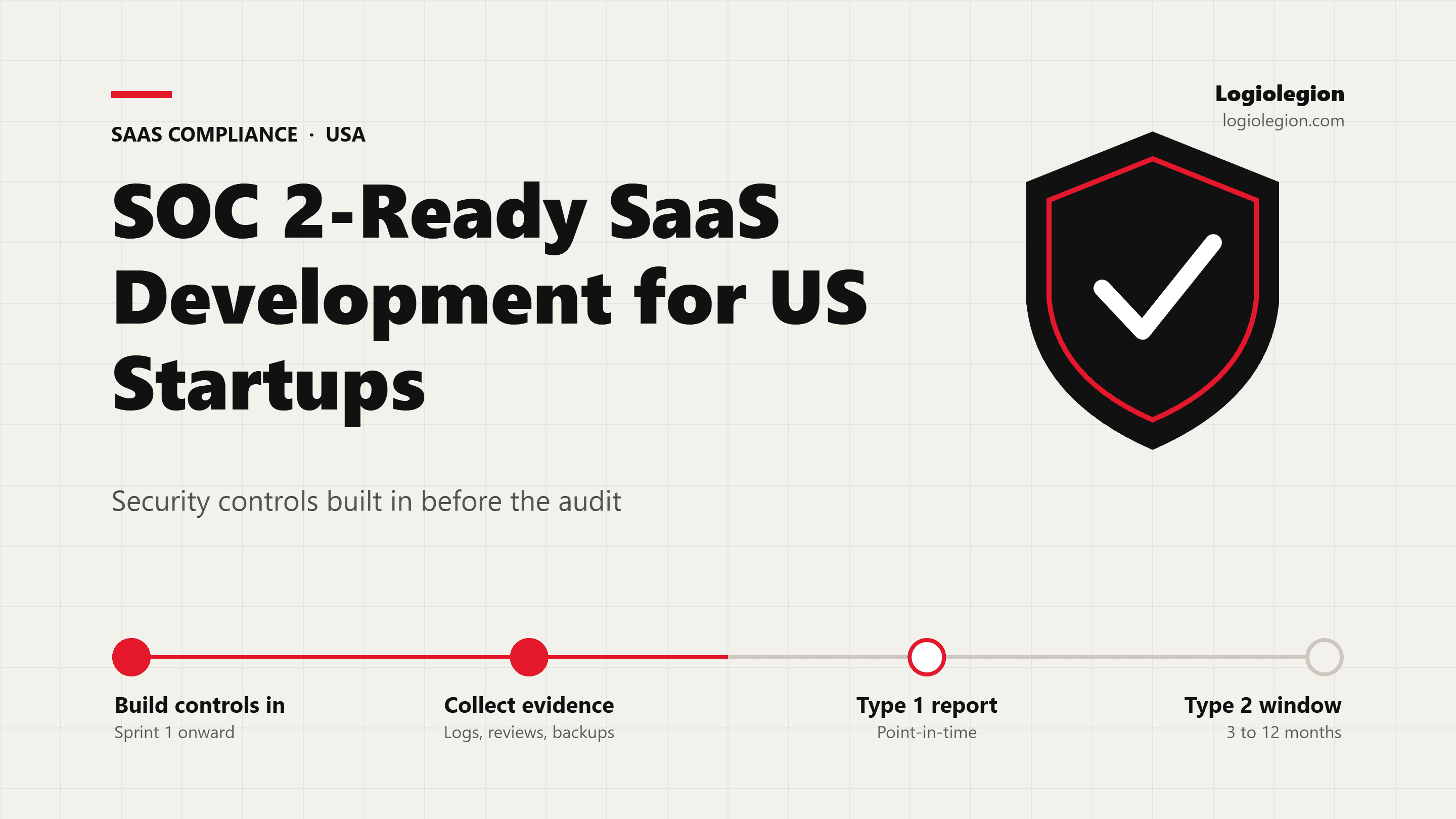
SOC 2-Ready SaaS Development for US Startups: Building Security Controls In Before the Audit (2026)
How US startups build SaaS products that pass SOC 2 faster: the controls auditors test, Type 1 vs Type 2, offshore development and SOC 2, build-in vs retrofit, and costs in USD.

FERPA-Compliant EdTech and LMS Development for US Schools
Build FERPA-ready LMS and EdTech platforms for US schools and startups, with student-data controls, audit trails, role-based access, and district privacy requirements built into the architecture.

HIPAA-Compliant Telehealth App Development for US Healthcare Startups
HIPAA-focused telehealth and health app development for US healthcare startups, including patient portals, secure video, EHR integration, PHI controls, and audit logging.